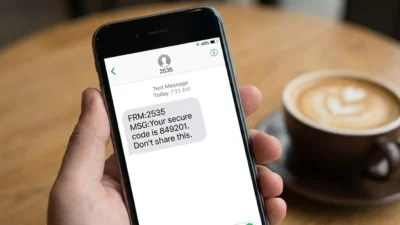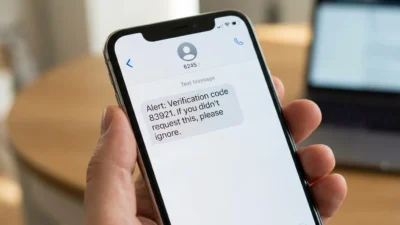
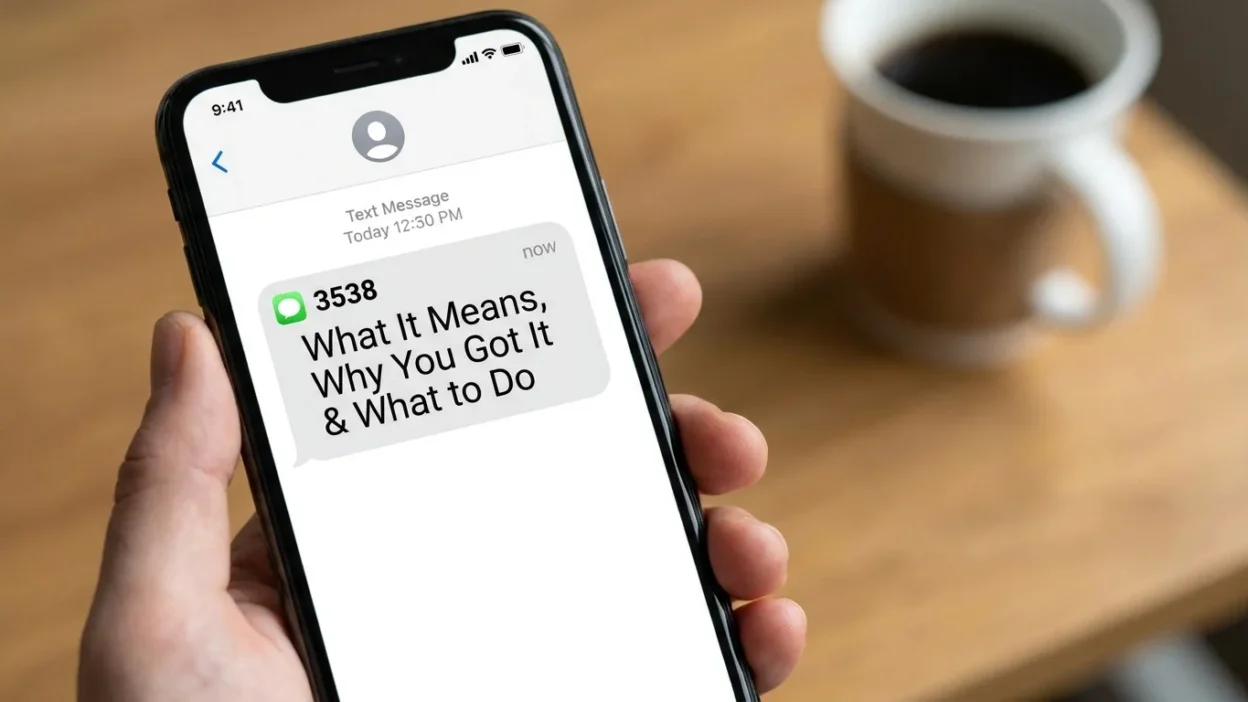
Getting a 3538 Text message can be confusing, especially when you weren’t expecting anything. You may see only four digits on your phone, with no familiar company name attached.
In many cases, 3538 functions as an SMS short code rather than a normal personal phone number. Recent user reports connect messages from 3538 with verification texts, including Google or Messenger-related codes. However, the number does not have one universal meaning for every recipient or country.
That distinction matters. A short code can identify an automated messaging route, but the number alone doesn’t tell you exactly who initiated the message.
This guide explains what 3538 may mean, why it appears on your phone, whether you should worry, and how to handle an unexpected message safely.
What Is 3538 in a Text Message?
3538 is a four-digit SMS sender or short code that can appear when an automated service sends a text.
Unlike a regular mobile number, a short code is designed for high-volume messaging. Businesses, platforms, carriers, and automated services can use this type of number to send alerts, verification codes, and other notifications.
However, 3538 isn’t guaranteed to represent the same service everywhere.
For example, public reports have associated 3538 with verification messages. Google community discussions include users who received Messenger verification codes from 3538. More recent reports also mention 3538 in connection with Google RCS verification and activation.
At the same time, caller-identification databases show activity associated with 3538 across multiple countries. That makes it even more important to consider the actual wording of your message rather than relying on the sender number alone.
So, think of 3538 as a sender identifier, not a complete explanation.
Why Did I Receive a 3538 Text Message?
The reason depends on what the message says and what you were doing shortly before receiving it.
One documented use involves verification. Users have reported receiving Messenger verification codes from 3538, including situations where they didn’t personally request the code.
Another possibility involves RCS or messaging activation. Recent Google Messages community reports specifically mention short code 3538 in connection with RCS verification and activation problems.
Therefore, a 3538 message could appear because:
- You requested an account verification code.
- An app is trying to verify your phone number.
- A messaging service is completing an activation process.
- Someone entered your phone number while attempting account verification.
- Your number was previously associated with another account or service.
- An automated messaging system sent the message unexpectedly.
- The message could be unwanted or suspicious.
The wording provides the strongest clue.
For instance, a message containing a one-time verification code is very different from a message asking you to click an unfamiliar link.
Is 3538 a Verification Code Number?
It can be associated with verification messages, but it’s better not to say that every 3538 message is a verification code.
- Several user reports specifically describe receiving verification codes from this sender. One Google Account Community report describes an unexpected Messenger verification code from 3538. Another Google Messages Community discussion connects 3538 with Messenger verification problems.
- Recent community reports also mention 3538 as a short code involved with RCS activation.
- So, if your text says something similar to:
- “Your verification code is…”
- then 3538 may be acting as the automated sender for that verification process.
- The important part is what you did before receiving the message.
- If you just attempted to sign in, activate a messaging feature, or verify your phone, the message may be expected.
On the other hand, if you did nothing, treat the code as an unexpected security event.
What Does an Unexpected 3538 Code Mean?
An unexpected code doesn’t automatically prove that someone hacked your account.
- There are several possible explanations.
- Someone may have accidentally entered your phone number. A person could also be attempting to register or recover an account using your number. In some situations, an app or service may trigger a verification request because of an account or device change.
- Consequently, receiving the code alone isn’t enough to determine what happened.
- The safest response is simple: don’t share the code.
- If someone contacts you and asks you to forward the number, don’t do it. A legitimate verification process normally expects the code to remain private.
- You also shouldn’t enter the code into a website reached through an unexpected message.
Instead, open the relevant app directly and check whether you actually started a verification process.
Could a 3538 Text Be a Scam?
It could be, but the sender number alone doesn’t establish that it is fraudulent.
A four-digit sender can be used for legitimate automated messages. At the same time, unwanted messages can also appear through messaging systems, and sender information isn’t enough to establish trust.
Your best clue is the message content.
Be especially cautious when a 3538 message:
- Demands immediate action.
- Threatens account closure.
- Requests your password.
- Requests a verification code.
- Asks for payment.
- Requests banking information.
- Contains an unexpected shortened URL.
- Tells you to call an unfamiliar number.
- Claims you have won something.
- Creates panic or unusual urgency.
A genuine verification message can contain a code without asking you to give that code to another person.
That difference is important.
For example, imagine you receive a verification code while sitting at home and doing nothing with your account. A few minutes later, someone calls claiming to be customer support and asks for that code.
Don’t provide it.
The safest assumption is that the caller has not earned your trust simply because they know a code was sent.
What Should You Do If You Didn’t Request the Message?
If you didn’t request the 3538 message, don’t panic.
Start by reading it carefully. Determine whether it contains a verification code, an account alert, a promotional message, or a link.
Next, think about whether you recently:
- Installed an app.
- Changed phones.
- Reinstalled a messaging app.
- Signed into an account.
- Changed your SIM or eSIM.
- Enabled RCS.
- Requested account recovery.
- Attempted phone-number verification.
If none of those actions happened, don’t use the code.
Don’t reply with personal information, either.
Instead, open the suspected service through its official app or manually enter its known website address. Check your account activity there.
This approach is safer than clicking a link contained in an unexpected message.
Should You Reply to 3538?
Don’t automatically reply just because the sender is a short code.
- Some legitimate SMS programs use keywords such as STOP or HELP for messaging preferences. However, you should only use those options when you can identify the service behind the message and understand what you’re responding to.
- A verification code message usually doesn’t require you to reply.
- If the message looks suspicious, replying can also confirm that your number is active.
- Therefore, pause before responding.
- First identify the service. Then decide whether any response is actually necessary.
What If the 3538 Message Contains a Link?
- Treat an unexpected link carefully.
- A link can lead to a legitimate account page, but the sender number alone doesn’t prove where the link goes.
- Look for context. Did you request the service? Does the message match an action you just performed? Does the destination make sense?
- Even then, you don’t need to use the link.
- A safer approach is to open the relevant app yourself and check your account from there.
- For example, if the message claims there’s a problem with your messaging account, open the messaging app directly. Don’t rely on an unfamiliar link inside the SMS.
- Likewise, if the message claims to concern a financial account, use the bank’s known app rather than following the text.
- This small habit removes many opportunities for phishing.
Why Might Someone Else Trigger a Verification Code?
An unexpected verification code can happen when another person enters your phone number during an account process.
- That doesn’t necessarily mean the person successfully accessed your account.
- In fact, the code can be the security barrier that prevents them from completing verification.
- Think of it this way:
- Someone starts an account process and enters your phone number. The service sends a code to your phone. Without that code, the person generally cannot complete the verification step.
- That’s why you should never forward the code.
- The safest response is to leave the code unused unless you initiated the process.
If the messages keep arriving, however, investigate further. Repeated unexpected requests may justify reviewing your account security and checking whether your phone number is attached to unfamiliar accounts.
3538 and Google or Messenger Verification
One of the strongest recurring associations in available reports is verification involving Google or Messenger-related services.
- A Google Account Community post describes an unsolicited Messenger verification code from 3538. Another Google Messages Community discussion mentions Messenger verification messages from the same short code.
- More recently, Google Messages community users have reported 3538 in connection with RCS verification and activation. One 2026 discussion specifically mentions Verizon not seeing the expected 3538 response from the RCS side. Another report identifies short code 3538 during RCS registration attempts.
- These reports are useful clues, but they don’t establish that every message from 3538 currently belongs to one specific Google service.
- Messaging routes can change. Carriers can also handle short codes differently.
- Therefore, always interpret the sender alongside the actual message.
What If 3538 Keeps Sending Codes?
- Repeated codes deserve more attention than a single unexpected message.
- First, don’t share any of the codes.
- Then check your account security.
- Look for unfamiliar login activity, recently added devices, password-reset requests, or account changes you don’t recognize.
- If everything looks normal, the messages may be caused by repeated verification attempts, a technical problem, or someone repeatedly entering your number.
- You can also contact the relevant service through its official support channel.
- Avoid using contact information supplied by a suspicious SMS.
- Instead, find support through the service’s official app or a website you already trust.
- Meanwhile, keep your phone’s operating system and important apps updated. Updates don’t eliminate every security risk, but they can address known vulnerabilities and improve account protection.
What If You Changed Your Phone or SIM Recently?
A recent device or SIM change can make unexpected verification messages easier to understand.
Messaging services often verify phone numbers when you activate features on a new device. RCS, in particular, can involve phone-number verification during activation.
Recent Google Messages community reports connect 3538 with RCS activation and verification issues.
So, if you recently:
- Bought a new phone.
- Switched carriers.
- Changed SIM cards.
- Activated an eSIM.
- Reset your phone.
- Reinstalled Google Messages.
- Changed messaging settings.
then a 3538 message may be connected with that process.
Still, don’t assume the connection without checking the message content.
Can You Call 3538?
A short code isn’t necessarily designed to function like a normal telephone number.
Because of that, calling it may not provide useful information.
If the message concerns an account, the better route is usually to identify the service first. Then use that company’s recognized support process.
You also shouldn’t assume that searching for a phone number connected to the message will prove its identity.
Sender IDs and short codes can be complicated by carrier routing, regional differences, and automated messaging systems.
The message itself remains the most useful starting point.
How 3538 May Appear on Different Networks
The same sender identifier can appear differently depending on your carrier, country, device, and messaging system.
- Public caller-identification records show 3538 associated with SMS activity in multiple regions, including the United States and several Latin American countries.
- That doesn’t mean every recipient receives the same type of message.
- For example, one person may see a verification code, while another may encounter a different automated message.
- This regional variation explains why online searches sometimes produce conflicting answers.
- One website may associate 3538 with one service. Another may show a different category. Neither source necessarily describes your specific message.
As a result, avoid treating a generic internet lookup as definitive proof of the sender’s identity.
Common Mistakes People Make With 3538 Messages
A few reactions can make an unexpected text more dangerous.
Sharing the verification code
This is one of the biggest mistakes.
A verification code is intended to prove control of a phone number or approve an action. Giving it to another person can defeat that protection.
Clicking before reading
People sometimes tap a link automatically because the message looks official.
Instead, read the complete message first.
Calling an unfamiliar number
A suspicious message may try to move you away from normal account security processes.
Use the service’s established support channel instead.
Assuming every 3538 message is a scam
That conclusion goes too far.
Available reports show legitimate-looking verification and messaging activity associated with 3538.
The correct approach is caution, not panic.
Assuming every 3538 message is legitimate
The opposite mistake is just as risky.
A sender number doesn’t automatically make a message trustworthy.
Always examine the content and the action being requested.
A Simple Way to Check a 3538 Text
When you’re unsure, use this quick five-step process.
- 1. Read the entire message. Don’t focus only on the sender number.
- 2. Identify the request. Is it giving you a code, asking you to click, requesting payment, or asking for information?
- 3. Recall your recent activity. Did you request a login, verification, or device activation?
- 4. Avoid sharing codes. Never give a verification code to someone who contacts you unexpectedly.
- 5. Verify independently. Open the relevant service directly instead of trusting an unexpected link.
This process works because it separates the sender’s claim from independently verified information.
When Should You Take Extra Security Measures?
You should take additional action if the message comes with other warning signs.
For example, pay closer attention if you receive several verification codes within minutes. The same applies if you notice unfamiliar account activity or receive password-reset notifications you didn’t request.
In that situation, review your important accounts.
Change a password if you believe it may have been exposed. Use a unique password for important accounts, and enable stronger authentication options when available.
Also, watch for follow-up calls or messages.
An attacker may attempt to use the unexpected code as an opening for social engineering. They might claim to be support staff and ask you to read the code aloud.
Don’t do it.
What 3538 Does Not Tell You
The number 3538 doesn’t tell you:
- Who personally triggered the message.
- Whether someone accessed your account.
- Whether the message is fraudulent.
- Which country the sender is physically located in.
- Whether the message applies to an account you currently use.
- Whether you need to respond.
Those answers require additional context.
That is why articles claiming that 3538 has one fixed meaning can be misleading.
Current reports provide evidence of several uses, especially verification-related messaging. However, sender identifiers can serve different purposes depending on the messaging ecosystem and region.
Frequently Asked Questions About 3538 Text Messages
Is 3538 a real text message sender?
3538 is used as an SMS sender or short code in documented messaging activity. Public reports show messages from the number, including verification-related texts.
However, the number alone doesn’t identify one universal service.
Why did I get a verification code from 3538?
You may have received it because you requested verification, an app attempted to verify your number, or someone entered your number during an account process.
If you didn’t request it, don’t use or share the code.
Is a 3538 text message dangerous?
Some reported messages are verification-related. However, an unexpected message can still require caution, especially when it contains links or requests sensitive information.
Should I give my 3538 verification code to someone?
Don’t share a verification code with a caller, texter, or person claiming to be support. If you didn’t initiate the request, leave the code unused.
Can someone hack my account just by sending a 3538 code?
Receiving a code doesn’t by itself prove that someone accessed your account.
The code may indicate that someone or something initiated a verification attempt. Keep the code private and check your account if the activity continues.
Why do I keep getting 3538 messages?
Repeated messages can result from repeated verification attempts, account activity, device changes, or messaging-system issues.
Check your account security and contact the relevant service through a trusted support channel if the messages continue.
Is 3538 connected to Google Messages?
Recent Google Messages community reports specifically mention 3538 in connection with RCS verification and activation. Other Google community reports also discuss Messenger verification messages from the number.
Still, don’t assume every message from 3538 comes from Google.
What is the safest response to an unexpected 3538 text?
Don’t share codes, don’t click unfamiliar links, and don’t provide personal information.
Instead, verify the situation through the relevant app or service independently.
Final Thoughts on 3538 Text Messages
A 3538 Text message doesn’t have one guaranteed meaning.
Available reports show that 3538 can appear as a short code connected with automated verification and messaging activity. Google community discussions have repeatedly mentioned the number in connection with Messenger and RCS verification, while SMS databases show activity across multiple regions.
The safest approach is therefore straightforward: look at the message, not just the number.
If you requested a verification code, use it only through the service you were already using. If you didn’t request anything, don’t share the code and avoid suspicious links.
Most importantly, don’t let an unexpected text create unnecessary panic. A verification message can indicate an attempted verification rather than a successful account takeover.
When in doubt, verify independently, protect your codes, and use trusted account-security tools. Those simple habits can help you stay safer whenever an unfamiliar short code appears on your phone.